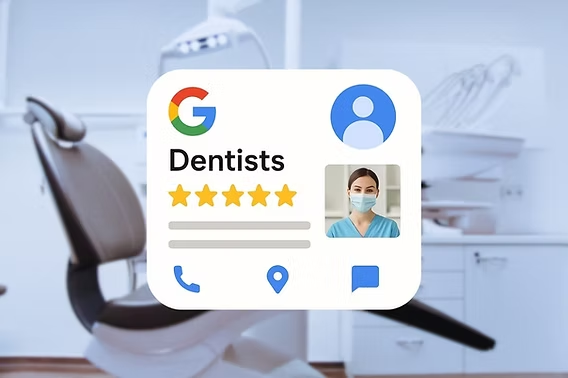








Your Google Business Profile (GBP) is often the first thing potential patients see when searching for a dentist online. A fully optimized profile not only improves your local search rankings but also builds trust and drives more appointments. Here’s how dental practices can optimize their GBP to attract more patients.
1. Complete Every Section
Google favors profiles that are complete and up-to-date:
- Business Name: Use your exact practice name—no keyword stuffing.
- Address & Phone: Ensure NAP (Name, Address, Phone) is consistent across all directories.
- Hours of Operation: Include regular hours, holidays, and emergency hours.
- Services & Description: List all dental services and write a clear, keyword-rich description.
- Photos & Videos: Add high-quality images of your practice, staff, and equipment.
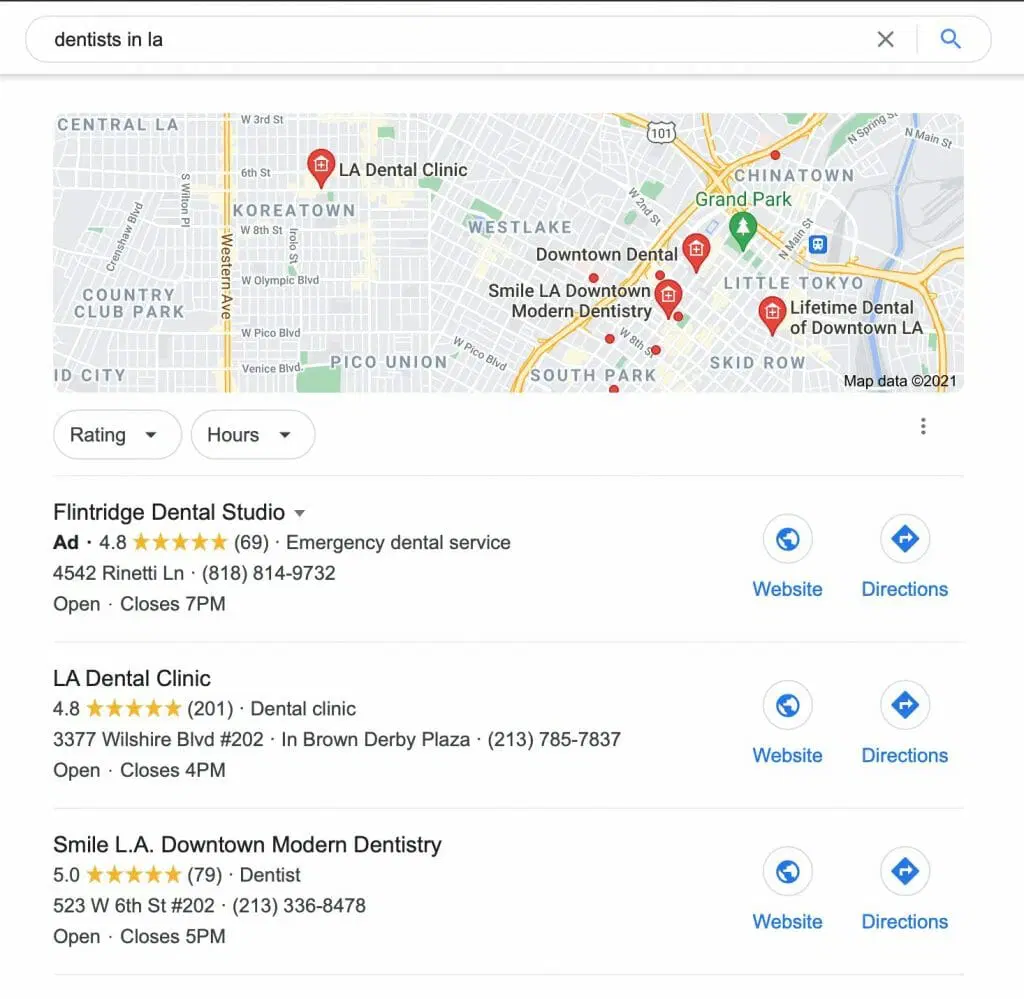
Impact: A complete profile increases your chances of appearing in the local map pack.
2. Choose the Right Categories
Selecting the correct categories helps Google understand your practice:
- Primary Category: Choose your main specialty, e.g., Dentist or Cosmetic Dentist.
- Additional Categories: Include services like Pediatric Dentist, Orthodontist, or Teeth Whitening.
Tip: Avoid overloading with irrelevant categories. Focus on what best describes your practice.
3. Encourage and Respond to Reviews
Reviews are a major local ranking factor and influence patient decisions:
- Ask satisfied patients for reviews via email, SMS, or in-person requests.
- Respond promptly and professionally to both positive and negative feedback.
- Highlight reviews on your website and social media.
Outcome: Builds trust, improves rankings, and encourages clicks from prospective patients.
4. Use Posts to Promote Services and Updates
GBP allows you to create posts that appear directly in your profile:
- Promote new services, seasonal promotions, or events.
- Share educational content like oral health tips.
- Include a clear call-to-action: “Book an Appointment”, “Call Now”.
Benefit: Keeps your profile active, engaging, and relevant to searchers.
5. Add Q&A and FAQs
Google users often ask questions before booking:
- Proactively add common patient questions with clear answers.
- Monitor your Q&A section and respond quickly to new questions.
Impact: Provides useful information, builds trust, and can improve click-through rates.
6. Track Insights and Adjust
Google Business Profile Insights provides actionable data:
- Track searches, views, clicks, calls, and direction requests.
- Identify which services or posts drive the most engagement.
- Adjust your strategy based on performance data.
Outcome: Helps optimize your profile continuously and focus on tactics that bring real patients.
Final Takeaway
Optimizing your Google Business Profile is a non-negotiable step for dental practices looking to attract more local patients. A complete, accurate, and active profile with reviews, posts, FAQs, and analytics not only boosts local search rankings but also builds trust and drives new appointments.